
WiFi Unlocker
Tools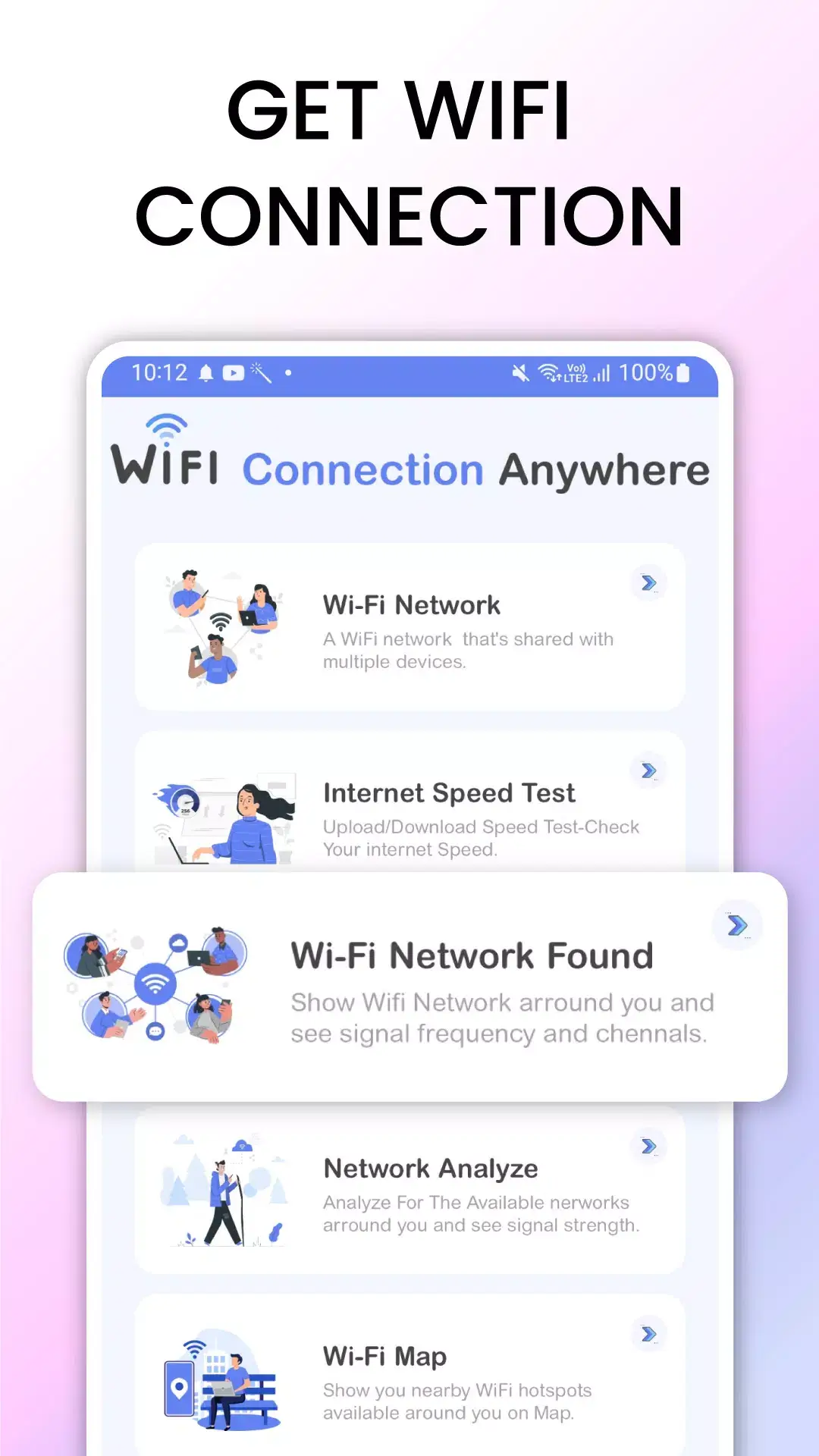
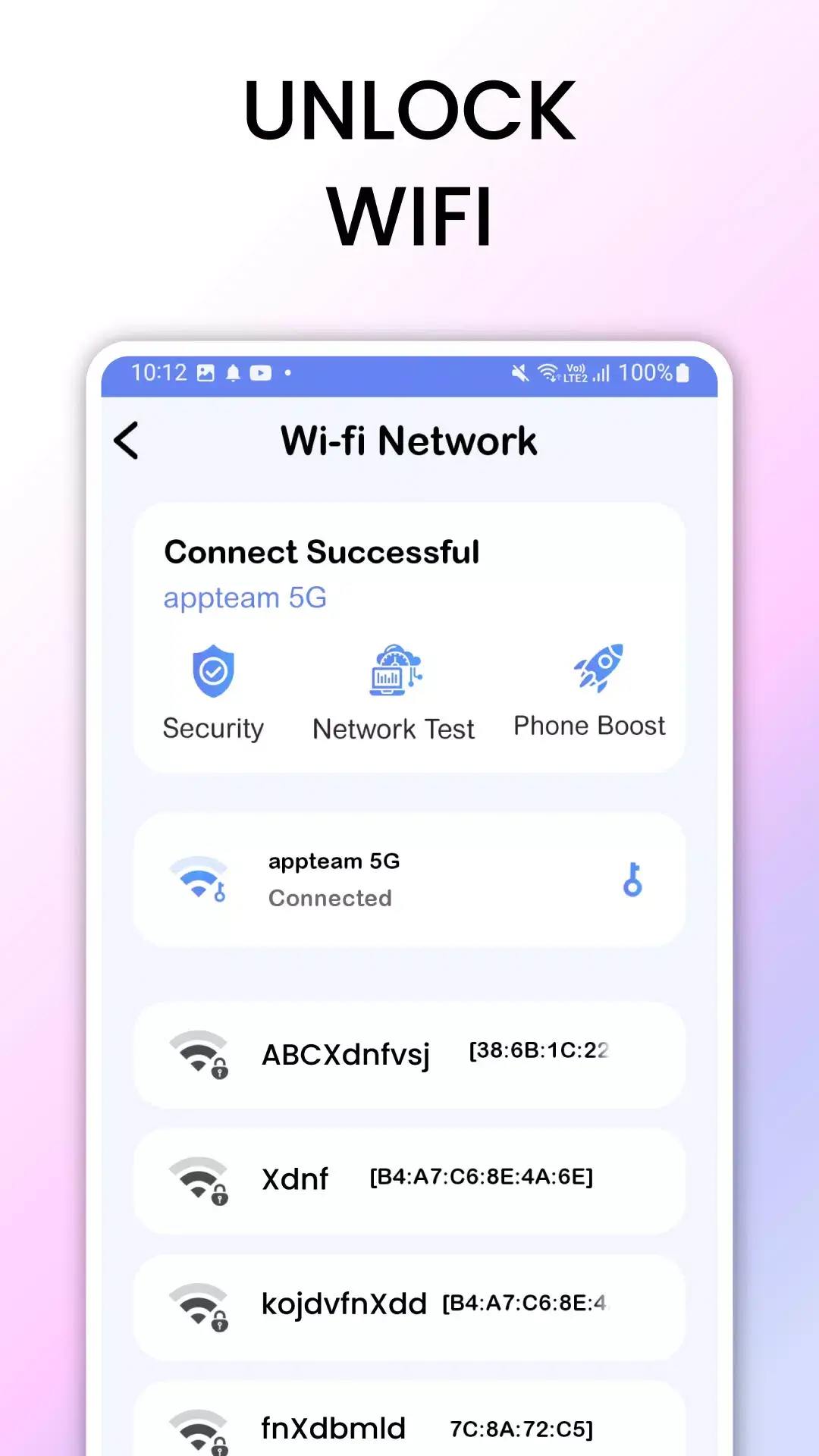
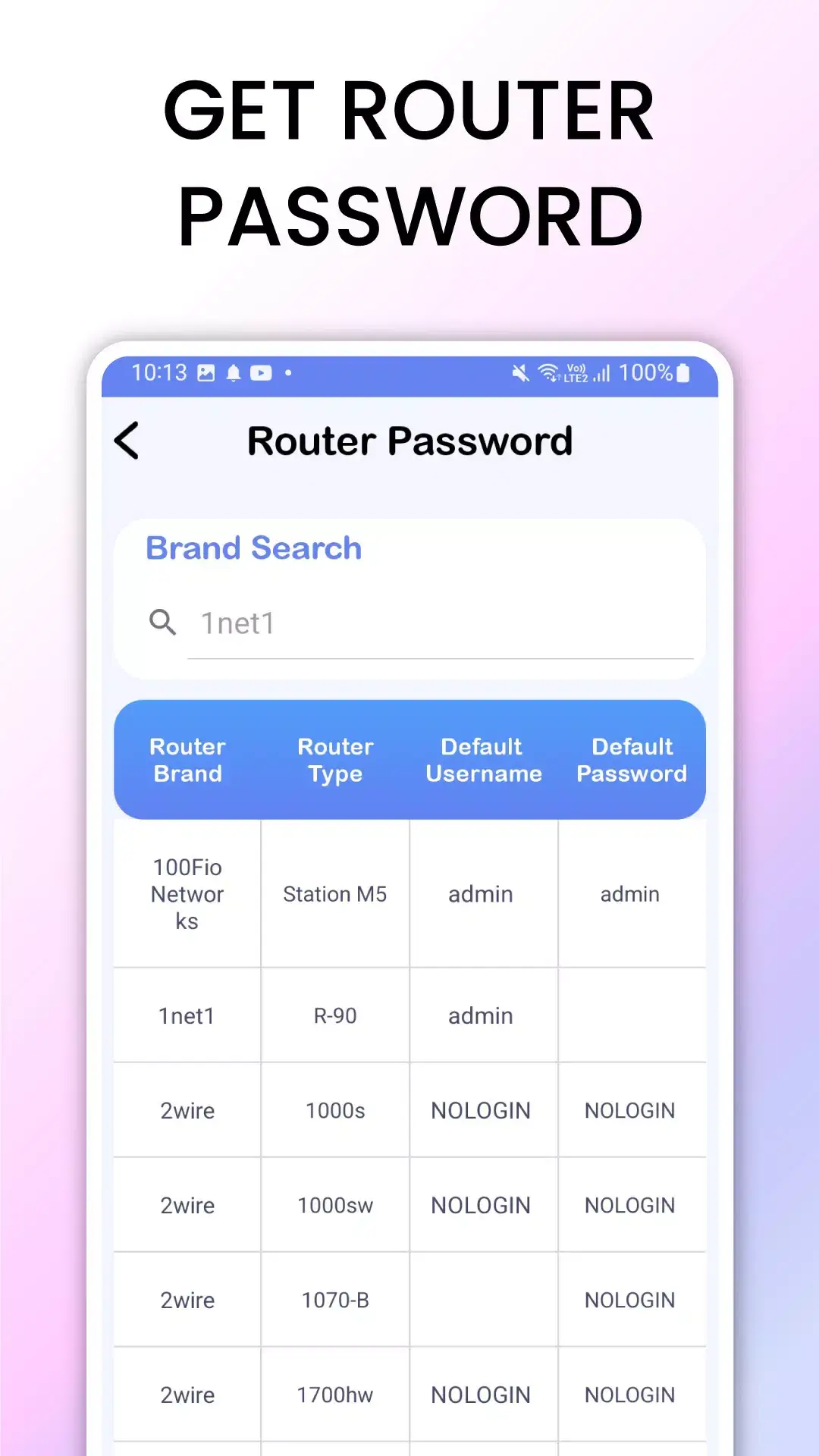
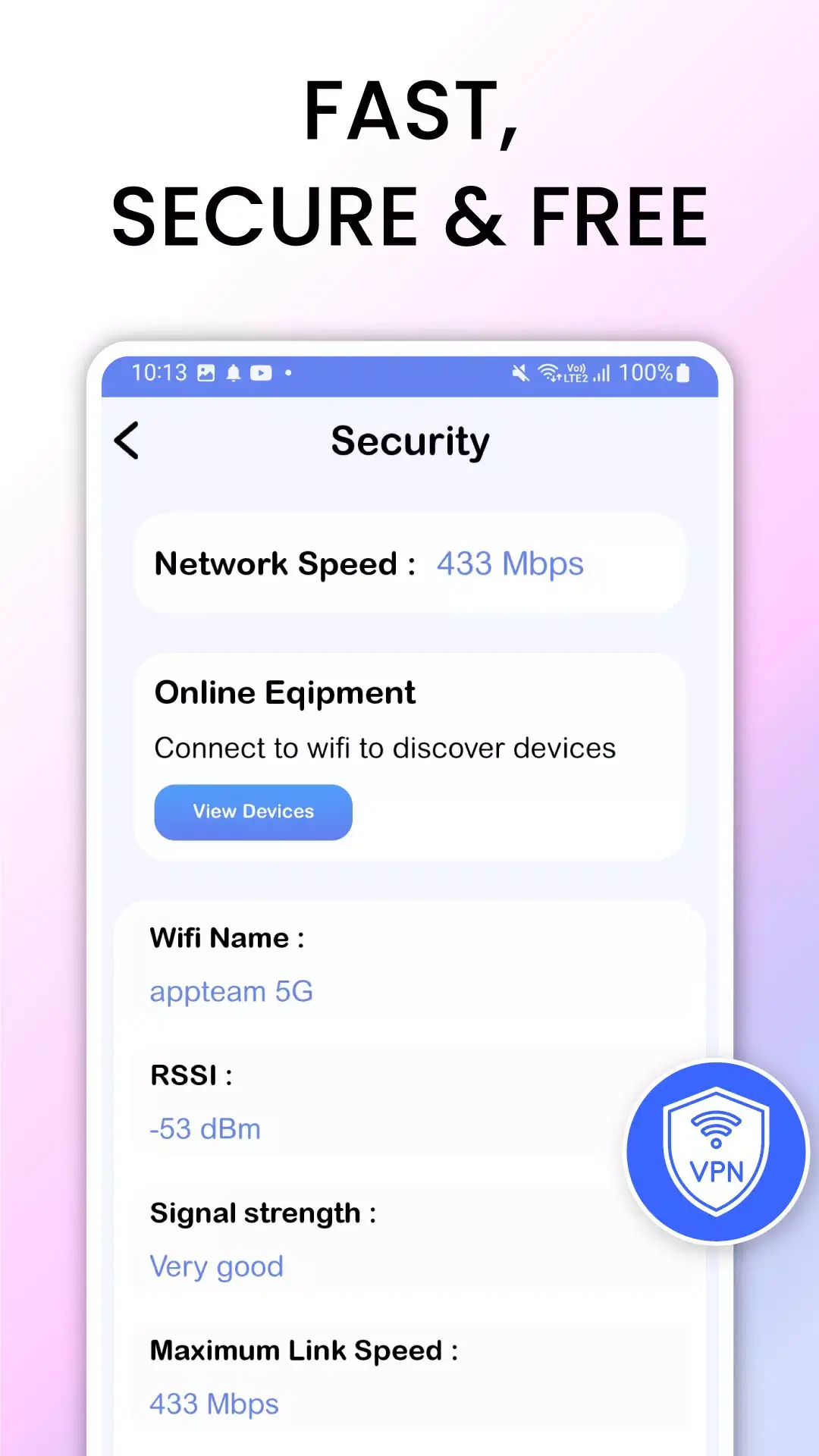
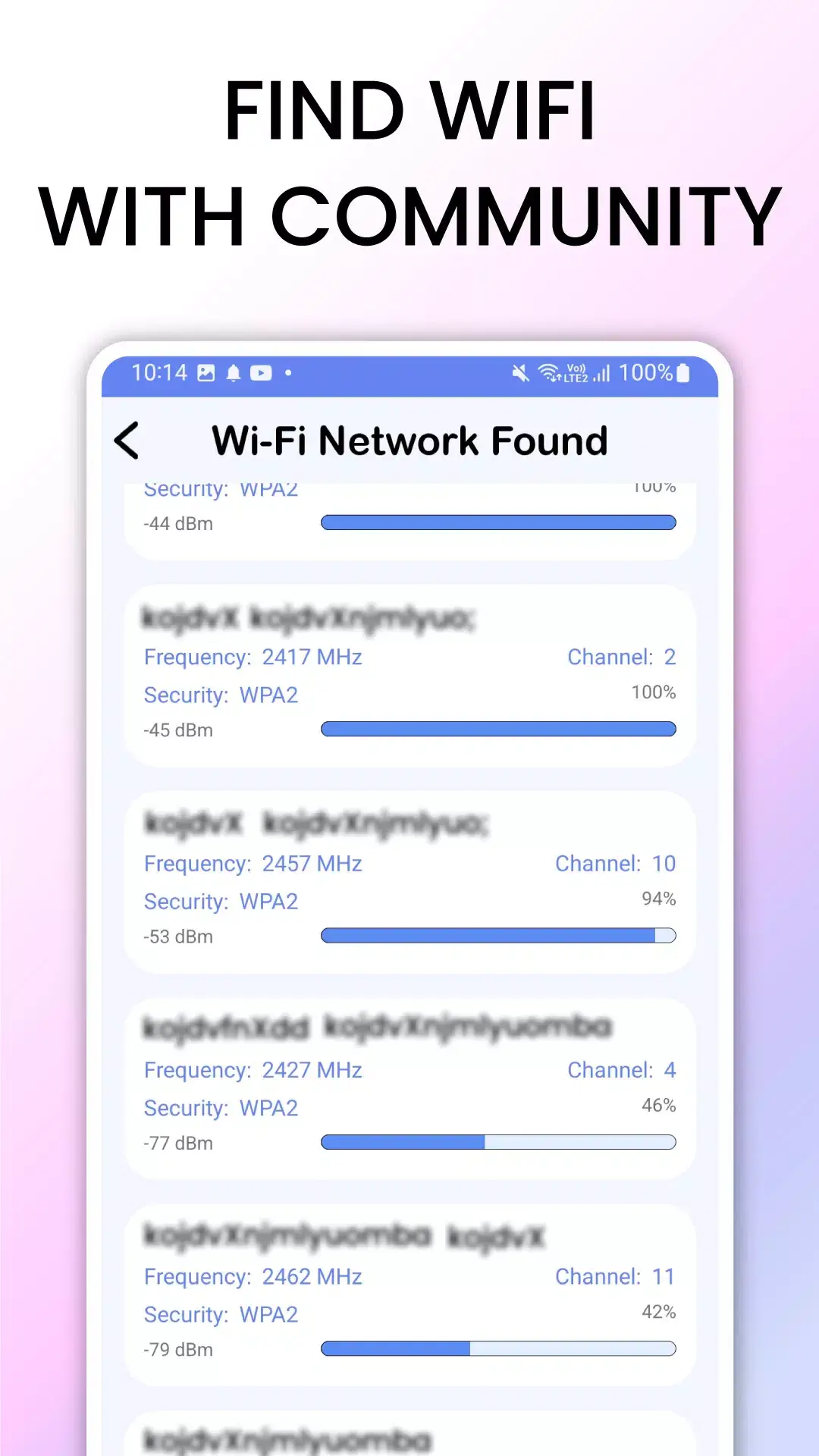
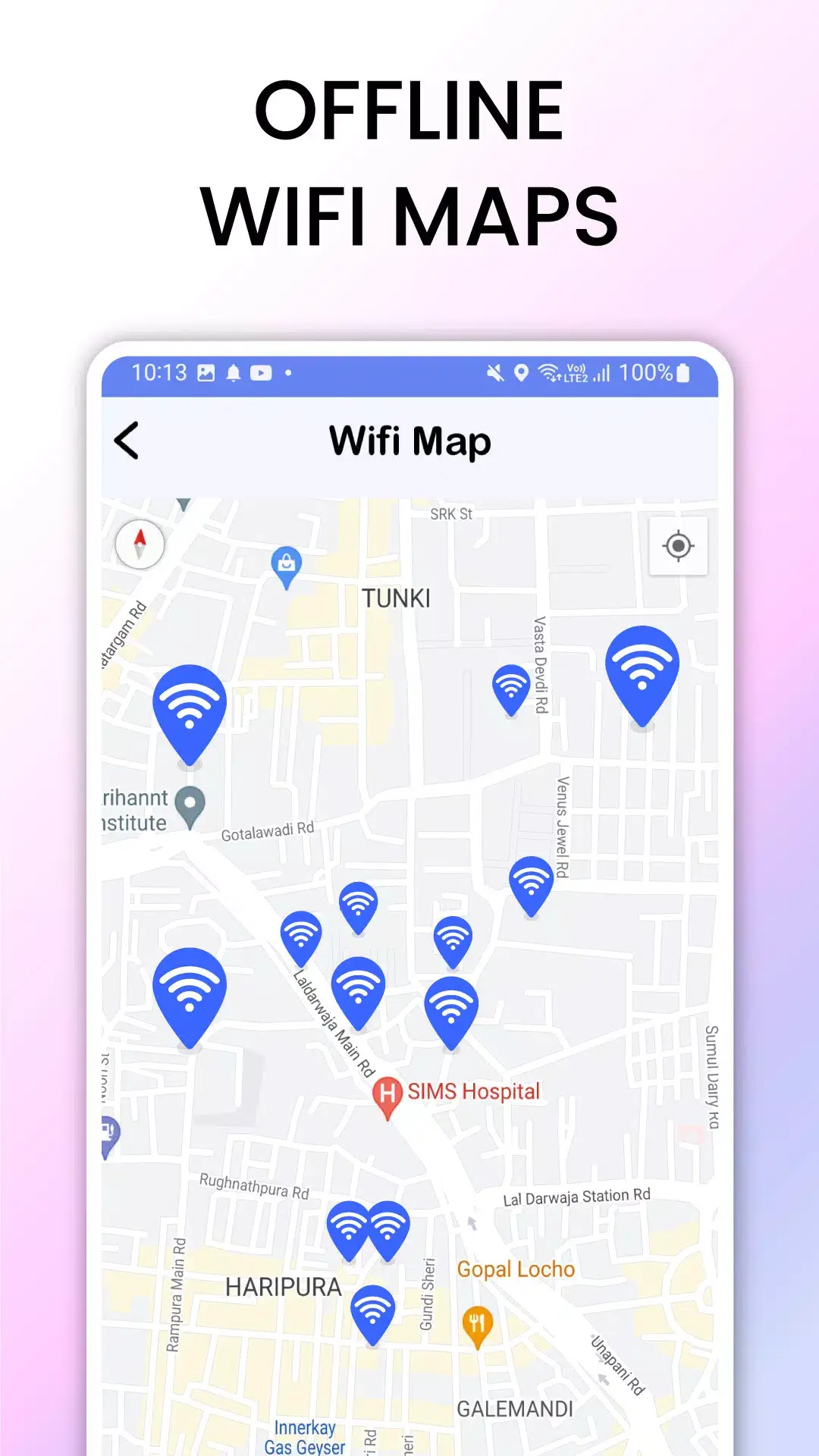

WiFi Unlocker is a lightweight Android utility that helps you connect to nearby public Wi‑Fi networks with a single tap. The app scans for open hotspots, displays signal strength, and offers a quick‑connect button, making it handy for travelers, commuters, or anyone who needs occasional internet access on the go.
This page provides the latest version details, a step‑by‑step installation guide, troubleshooting tips, and a look at how the app stacks up against other popular Wi‑Fi tools.
Quick Information
| App/Game Name | WiFi Unlocker |
| Latest Version | 9.0 |
| Developer | Not listed |
| Category | Apps / Tools |
| App Size | 7 MB |
| Package Name | com.unlock.wifi.connect.app |
| Last Updated | 19 January 2026 |
What Is WiFi Unlocker?
WiFi Unlocker is designed for Android devices to simplify the process of finding and joining unsecured Wi‑Fi networks. Its core features include:
- Automatic scanning of nearby Wi‑Fi hotspots.
- Signal strength indicator for each network.
- One‑tap connection to open networks.
- Simple interface with minimal permissions.
The app targets users who need quick internet access in public places such as cafés, airports, or malls. It does not provide VPN protection, encryption, or any advanced security features, so it is best used for basic browsing and not for transmitting sensitive data.
Compatibility
| Android Version | Not Verified |
| Architecture (ARM64 / 32-bit) | ✓ Verified — Supports common device architectures |
| Internet Connection | ✓ Verified — May be required for ads, updates, or login |
| Storage Needed | Not Verified |
| OBB/Data Files | Not Verified |
| Root Required | Not Verified |
How to Install
- Enable Unknown sources or Install unknown apps for the browser or file manager you will use.
- Download the WiFi Unlocker APK file to your device.
- Tap the downloaded file to start the installation process.
- Follow the on‑screen prompts and tap Install.
- Once installed, open the app and grant the requested permissions (Location is required for Wi‑Fi scanning).
- Scan for networks and tap any open hotspot to connect.
Troubleshooting
- App not installed: Verify that the APK matches the device’s architecture (ARM/ARM64) and that you have enough storage space.
- Crashes on startup: Ensure the device is running Android 6.0 or higher and that Location services are enabled.
- Cannot see any networks: Turn on Wi‑Fi and Location services, then refresh the scan.
- Connection fails: Some public networks require a captive‑portal login; the app will open the browser for you to complete the sign‑in.
Safety & Security
WiFi Unlocker is a standard APK that has not been modified. As with any app that connects to unsecured networks, exercise caution: avoid entering passwords, banking details, or other personal information while using public Wi‑Fi. Consider pairing the app with a reputable VPN if you need encrypted traffic. Always download the APK from a trusted source and check the app’s permissions before installing.
How WiFi Unlocker Compares
| Feature | WiFi Unlocker | WiFi Analyzer | NetSpot | Fing |
|---|---|---|---|---|
| Price / Model | Free (ads) | Free / Paid Pro | Free trial / Paid | Free / Paid Premium |
| Platform | Android | Android, iOS | Android, Windows, macOS | Android, iOS, Windows |
| Standout Feature | One‑tap connection to open networks | Detailed signal channel analysis | Heat‑map visualization of Wi‑Fi coverage | Network device scanner and port analysis |
| Best For | Quick access to public hotspots | Tech enthusiasts needing channel info | Professionals planning Wi‑Fi deployments | Network troubleshooting and device discovery |
Alternatives
If WiFi Unlocker doesn’t meet all your needs, consider these well‑known tools:
- WiFi Analyzer – Provides detailed channel and signal strength data, useful for avoiding interference.
- NetSpot – Offers comprehensive site surveys and heat‑map visualizations for both casual and professional users.
- Fing – Focuses on network discovery, device identification, and basic security checks.
- Instabridge – A community‑driven database of free Wi‑Fi passwords and auto‑connect features.
Final Verdict
WiFi Unlocker is a straightforward, free tool for Android users who need fast access to open Wi‑Fi hotspots. It shines in its simplicity and low storage footprint (7 MB). However, it lacks advanced security or network‑analysis capabilities, so pairing it with a VPN is advisable for any sensitive activity. If you require deeper insight into Wi‑Fi performance or professional survey tools, the alternatives listed above may be a better fit.
Frequently Asked Questions
The app itself is not malicious, but it connects to unsecured networks, so avoid transmitting sensitive data without a VPN.
The app requires Android 6.0 or higher, so it should run on Android 15, though performance may vary.
No root is required; the app only needs location permission to scan for Wi‑Fi networks.
This can happen if the APK is corrupted, if the device lacks sufficient storage, or if the app’s architecture (ARM/ARM64) does not match your device.
Yes, you can enable a VPN after connecting to a public hotspot to encrypt your traffic.
The current build is free with ads; no official premium version has been announced.
If you already have a version of WiFi Unlocker installed, you should uninstall it first to avoid conflicts.
The app needs Wi‑Fi enabled to scan for networks, but it does not require an active internet connection to run.